
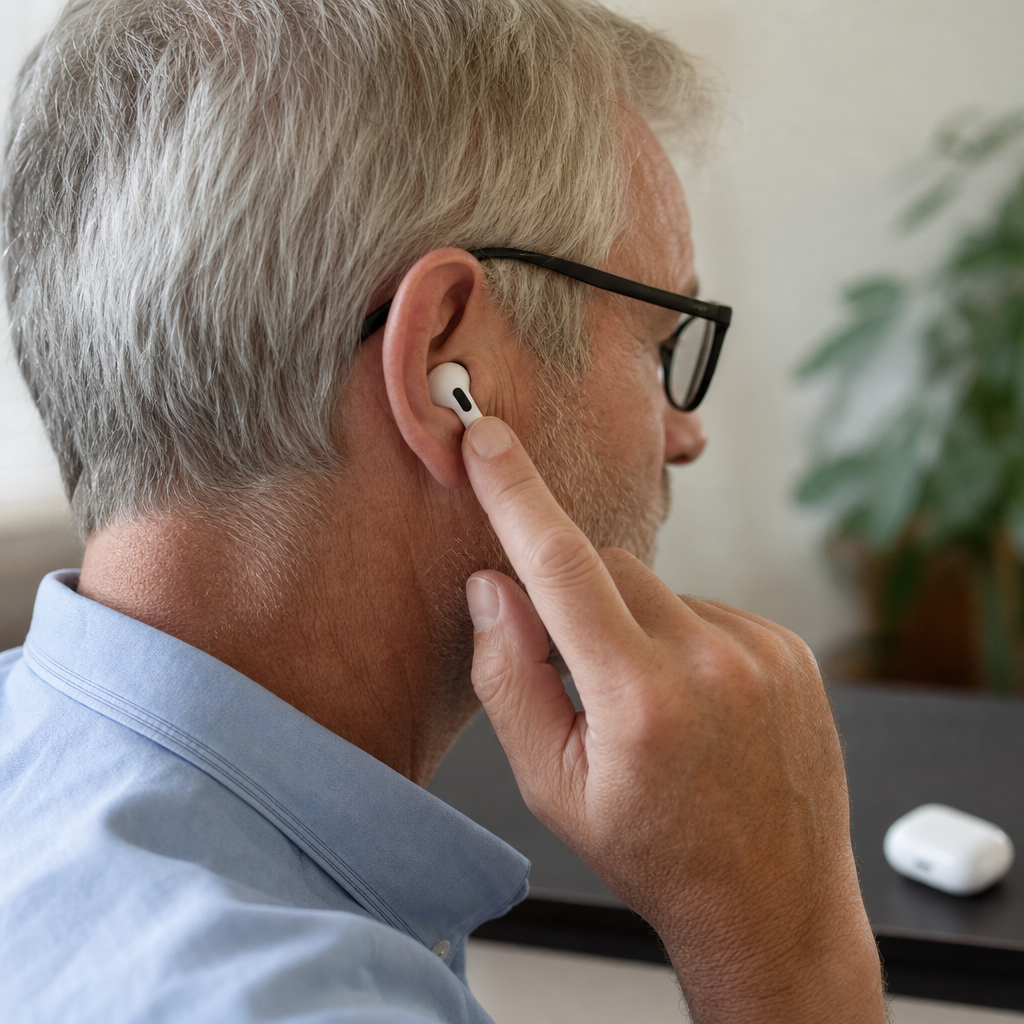
AirPods can work as a practical hearing assistance tool for some people, especially in quiet conversations, classrooms, meetings, and other controlled settings, but they are not a full replacement for prescription hearing aids. When people ask how to use AirPods as hearing aid support, they usually mean using Apple features such as Live Listen, Conversation Boost, Headphone Accommodations, and customizable audio settings to amplify speech and improve clarity. I have tested these features in everyday environments, and the results are useful when expectations are realistic: AirPods can help with mild hearing difficulties, temporary listening challenges, and situational speech enhancement, but they do not match the medical fitting, directional precision, or all-day reliability of dedicated hearing devices.
It matters because hearing support is often expensive, stigmatized, or delayed. Many adults notice early hearing changes long before they book a hearing test. Others need occasional help hearing a partner across a table, understanding a lecturer from the back of a room, or following dialogue on an iPhone or iPad. Since millions of people already own AirPods, using built-in hearing features can be an accessible first step. Key terms are straightforward. Live Listen turns your iPhone or iPad into a remote microphone that sends sound to compatible AirPods. Conversation Boost emphasizes voices in front of you. Headphone Accommodations adjusts amplification, tone balance, and speech clarity. Audiogram-based tuning lets users import hearing test results into Apple Health for more personalized sound. The practical question is not whether AirPods are “hearing aids” in the strict clinical sense, but when they help, how to set them up correctly, and when to move on to medical-grade care.
What AirPods can and cannot do for hearing support
AirPods can amplify and clarify sound, reduce some background noise, and improve speech understanding in specific situations. The strongest use case is mild, situational assistance: one-on-one conversation in a café, television listening from an iPad, lectures, church services, or meetings where the speaker is some distance away. In my experience, the biggest immediate improvement comes from placing the iPhone closer to the talker and using Live Listen. That changes the physics of listening by moving the microphone nearer to the voice, which often matters more than simply making everything louder.
AirPods cannot diagnose hearing loss, create a medical prescription, or deliver the same individualized amplification strategy used in professional hearing aids. Prescription devices are programmed by frequency bands using validated fitting formulas such as NAL-NL2 or DSL, verified with real-ear measurements, and tuned for feedback management, compression, directional microphones, wind control, and long daily wear. AirPods do not provide that level of audiological precision. They are also dependent on battery life, Bluetooth stability, ear fit, and Apple ecosystem compatibility. If you have sudden hearing loss, one-sided hearing changes, tinnitus that appears abruptly, ear pain, drainage, dizziness, or significant trouble understanding speech even in quiet rooms, the right next step is a hearing evaluation, not a settings adjustment.
Which Apple features make AirPods useful as a hearing aid alternative
Apple has built several accessibility features that make AirPods relevant for hearing assistance. Live Listen, available through Control Center, streams sound from the iPhone or iPad microphone to compatible AirPods. Conversation Boost, available on AirPods Pro, focuses on voices in front of the listener and can reduce surrounding noise. Headphone Accommodations lets users fine-tune soft sounds, specific frequencies, and speech clarity. Transparency mode can keep environmental awareness while still enhancing speech cues. For phone calls and media, audio balance and mono audio options can also help people with uneven hearing between ears.
These features are useful because hearing problems are not all the same. Some people hear volume but miss consonants such as s, f, t, and k. Others struggle mainly in background noise. Some hear better in one ear than the other. Apple’s settings do not replace a clinical fitting, yet they do allow meaningful personalization. For example, a user with mild high-frequency hearing loss may benefit from brighter sound and stronger speech emphasis, while another person may prefer moderate amplification with less harshness. The flexibility is real, but the best results come from methodical setup rather than turning every option to maximum.
How to set up AirPods for hearing assistance on iPhone or iPad
Start by confirming compatibility. Recent AirPods, AirPods Pro, AirPods Max, Beats models, and current iPhones or iPads running updated software provide the best support. First, connect your AirPods in Bluetooth settings. Next, add Hearing to Control Center by going to Settings, Control Center, and selecting Hearing. Put the AirPods in your ears, open Control Center, tap the ear icon, and turn on Live Listen. Place the iPhone near the speaker, with the bottom microphone oriented toward the voice. Distance matters: moving the phone from your pocket to the center of a table can make speech noticeably clearer.
Then configure sound shaping. Go to Settings, Accessibility, Audio & Visual, Headphone Accommodations. Run the custom audio setup if offered, or manually adjust Balanced Tone, Vocal Range, and Brightness. Speech-focused listening usually benefits from moderate Vocal Range or Brightness increases rather than extreme overall gain. For AirPods Pro, open Accessibility settings for AirPods and test Transparency mode, Conversation Boost, Ambient Noise Reduction, and amplification level. If you have a recent hearing test, upload the audiogram in the Health app and enable headphone tuning from that data. I recommend testing each change in real situations, not only in a quiet room, because settings that sound impressive at home can become fatiguing in a restaurant.
Best use cases, limitations, and practical expectations
The most successful scenarios are predictable and structured. AirPods can help in face-to-face conversations, video calls, TV streaming, lectures, guided tours, houses of worship, and shared workspaces. They are often effective when one speaker dominates and the room is moderately quiet. They are less effective in chaotic spaces where multiple voices overlap, in heavy wind, during vigorous movement, or when hearing loss is moderate to severe. Earbuds also do not suit everyone physically; some users experience occlusion, discomfort, or inconsistent sealing that changes bass and speech clarity.
| Situation | How AirPods Help | Main Limitation | Best Feature |
|---|---|---|---|
| One-on-one conversation | Amplifies nearby speech and improves focus | Background voices can still intrude | Conversation Boost |
| Meeting or lecture | Phone can act as a remote microphone near speaker | Requires phone placement and battery | Live Listen |
| TV or video on Apple device | Direct audio streaming improves clarity | Does not help others in the room | Headphone Accommodations |
| Restaurant or café | Can slightly improve front-facing speech | Competing noise remains difficult | Transparency plus Conversation Boost |
| Moderate or severe hearing loss | May provide limited temporary support | Usually insufficient customization and gain | Audiogram-based tuning |
Expect improvement, not perfection. In practice, AirPods are best understood as a hearing aid alternative for selected moments, not a universal solution. They can reduce listening effort, but they may also increase fatigue if amplification is too aggressive. Latency can feel odd in some settings. Battery management matters if you rely on them during workdays. And because the iPhone often acts as the microphone source, your results depend on where that device sits. People who benefit most are typically comfortable with smartphones, willing to adjust settings, and realistic about environmental limits.
How AirPods compare with OTC and prescription hearing aids
Over-the-counter hearing aids, now regulated in the United States for adults with perceived mild to moderate hearing loss, occupy the middle ground between consumer earbuds and prescription devices. Good OTC models from established hearing brands usually offer hearing-specific amplification, self-fitting hearing tests, feedback control, and simpler all-day wear than AirPods. Prescription hearing aids add the highest level of personalization, professional verification, medical screening, and support for complex hearing patterns. They also include features like telecoils, advanced directional arrays, tinnitus programs, and robust speech-in-noise processing.
AirPods still have advantages. Many users already own them, they integrate tightly with iPhone, media streaming is excellent, and the learning curve is lower than with some hearing products. For someone exploring hearing support for the first time, they can be a low-friction entry point. But if speech remains unclear, especially in noise, if you turn television volume higher than others prefer, or if family members notice repeated misunderstandings, a proper hearing assessment is more efficient than endless tweaking. In clinic-facing terms, audibility is only part of the problem; speech discrimination, auditory processing, asymmetry, and medical causes all matter. That is where hearing aids and audiology outperform earbuds decisively.
Tips to improve results and know when to seek professional help
To get the best performance, update iOS and firmware, use the AirPods model that fits your ears securely, and clean microphones and speaker meshes regularly. Test in steps: start with default settings, then add one change at a time. Keep volume conservative; louder is not always clearer, and sustained high levels can worsen listening fatigue. During conversations, reduce room noise, face the speaker, and place the iPhone close to the person speaking if using Live Listen. For television, stream directly from your device when possible instead of relying on room sound. If one ear hears much worse than the other, adjust left-right balance rather than overamplifying both sides.
Seek professional help if benefit is limited, if hearing seems to have changed quickly, or if understanding speech remains poor despite amplification. An audiologist can perform pure-tone audiometry, speech testing, tympanometry, and, when needed, referral for medical evaluation. That process identifies whether the issue is conductive, sensorineural, mixed, temporary, or urgent. AirPods are a useful hearing assistance tool, but they are also a signal: if they help a little, there may be an underlying hearing need worth measuring properly. Use them as a practical bridge, not a reason to postpone care. Explore the broader Hearing Aids guide on this site, compare OTC and prescription options, and schedule a hearing test if everyday listening is becoming work.
Frequently Asked Questions
Can AirPods really be used as a hearing aid?
AirPods can work as a hearing assistance tool for some people, but they are not the same as medical-grade prescription hearing aids. In practice, they can be very helpful in specific situations such as one-on-one conversations, classrooms, meetings, lectures, church services, and other relatively controlled environments where speech is the main sound you want to hear more clearly. Apple includes several accessibility features that make this possible, including Live Listen, Conversation Boost, Headphone Accommodations, and customizable audio settings that can improve clarity and amplify voices.
That said, expectations matter. AirPods do not provide the same individualized fitting, advanced feedback control, all-day battery support, or clinical tuning that dedicated hearing aids offer. They may also be less effective in noisy restaurants, windy outdoor spaces, or crowded social settings where separating speech from background noise is more challenging. For mild hearing support needs, however, many users find AirPods surprisingly useful as an accessible and convenient option. If hearing loss is significant, sudden, or worsening, it is still best to consult an audiologist for a proper evaluation.
How do I set up Live Listen on AirPods to hear conversations better?
To use AirPods for hearing support, Live Listen is usually the first feature to try. Start by connecting your AirPods to your iPhone or iPad. Then go to Settings, open Control Center, and add Hearing if it is not already included. Once that is done, put your AirPods in your ears, open Control Center, tap the ear icon, and select Live Listen. Your iPhone will begin using its microphone to pick up nearby sound and send it directly to your AirPods in real time.
In practical use, the best results usually come from placing the iPhone closer to the person speaking than to yourself. For example, during a meeting you can set the phone on a table near the main speaker, or in a classroom you can place it closer to the front of the room. This can make speech sound more direct and easier to understand. It is important to remember that Live Listen works best when the phone is positioned well and the environment is not too noisy. You may need to experiment with distance, room placement, and AirPods volume to find the most natural and effective setup.
What is Conversation Boost, and how is it different from Live Listen?
Conversation Boost is another Apple feature designed to make face-to-face speech easier to hear, especially when you are looking at the person talking. Unlike Live Listen, which uses your iPhone as a remote microphone, Conversation Boost works through compatible AirPods by focusing on voices in front of you and reducing some surrounding noise. It is intended to improve direct, in-person conversations rather than turning your iPhone into a separate listening device.
To enable it, go to Settings, tap Accessibility, then Audio/Visual, and open Headphone Accommodations. If your AirPods model supports it, you can turn on Transparency Mode and then activate Conversation Boost. This feature can be especially useful in quieter social settings, at home, or during casual conversation where the speaker is in front of you. The main difference is that Live Listen relies on iPhone placement, while Conversation Boost is designed to enhance the voice of a nearby person directly in front of the listener. Many users test both and switch depending on the environment.
Which AirPods settings help most with hearing clarity and speech amplification?
Beyond Live Listen and Conversation Boost, the most important settings are usually found under Headphone Accommodations. This section allows you to fine-tune audio amplification, balance, tone, and speech emphasis. You can access it by going to Settings > Accessibility > Audio/Visual > Headphone Accommodations. From there, you can choose a sound profile such as balanced tone, vocal range, or brightness, depending on which makes speech easier for you to understand. Apple also provides sample audio so you can compare settings before deciding what sounds best.
In addition, you can adjust left-right audio balance, use Transparency Mode to stay aware of environmental sounds, and customize how much ambient noise comes through. These adjustments matter because hearing support is not only about volume; it is also about clarity, comfort, and reducing the listening effort needed to follow speech. If voices sound loud but still unclear, the issue may be with tonal balance rather than simple amplification. Spending a few minutes testing different combinations can make AirPods noticeably more effective for spoken communication.
When should I use AirPods for hearing support, and when should I choose real hearing aids instead?
AirPods are best viewed as a practical support tool rather than a full replacement for prescription hearing aids. They can be a smart choice for occasional help in controlled listening situations, such as talking with family at home, following a meeting, listening to a lecture, or making speech more distinct during everyday conversations. They are also useful for people who want to experiment with accessibility features before committing to more specialized devices. For mild hearing challenges or situational listening difficulties, AirPods may offer meaningful improvement with technology you already own.
However, dedicated hearing aids are still the better option for ongoing hearing loss, more severe hearing needs, or environments with complex background noise. Hearing aids are professionally fitted, often tuned to your specific hearing profile, and designed for consistent daily use across a wider range of situations. You should also seek professional help if you notice sudden hearing changes, ringing in one ear, dizziness, ear pain, or difficulty understanding speech even when volume is high. In those cases, AirPods may provide temporary assistance, but they should not delay medical evaluation or proper hearing care.